https://musescore.com/user/82019173/scores/35143421/s/p7koTn/embed
Happy Gnu Year
Happy Holidays…with Extra Purrs!!
Inkscape Guides & Resources
There are several excellent free PDF guides and manuals available for Inkscape — perfect for offline reference or printing. Here’s a roundup of some of the best options, including a full manual and project-based tutorials:
📘 1. Inkscape User Manual (Official, Up-to-Date)
- Title: Inkscape: Guide to a Vector Drawing Program
- Author: Tavmjong Bah (a core Inkscape contributor!)
- Download:
👉 https://inkscape.org/learn/books/
👉 Direct PDF (v1.1): https://tavmjong.free.fr/INKSCAPE/MANUAL_v111.pdf
🔍 This is the closest thing to a full “Illustrator-style” user manual, regularly updated for new versions.
📗 2. FLOSS Manuals – Inkscape
- Download/Read Online:
👉 https://en.flossmanuals.net/start-with-inkscape/
👉 PDF Download: Look in the left sidebar for “Download PDF”
🧰 Beginner-friendly. Think of it as an “Inkscape for Mortals” with hands-on, project-based examples.
📙 3. Inkscape Shortcuts and Cheatsheets
- Official Cheat Sheet (PDF):
👉 https://inkscape.org/doc/inkscape-shortcut-keys.pdf - Alternative Cheatsheets:
👉 https://tutswiki.com/inkscape-cheat-sheet/
📌 Perfect to tape to your monitor while learning — faster than digging through menus.
🖼️ Bonus: Community Books
There are a few community-made tutorial books floating around, such as:
- “Inkscape: Beginner’s Guide” by Bethany Hiitola (Packt Publishing)
- Often available free to read via library systems like OverDrive or with trial access on Archive.org
Inkscape: Geometric Line Art Tutorial
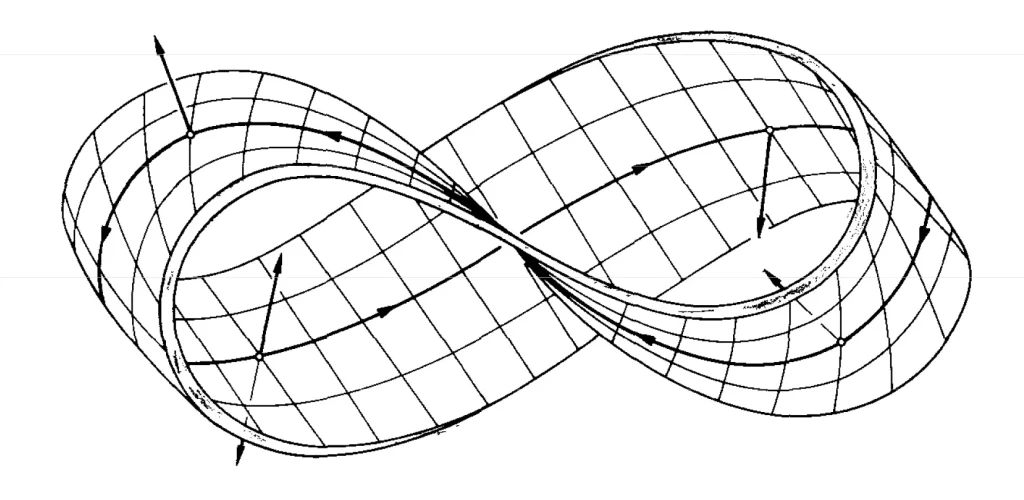
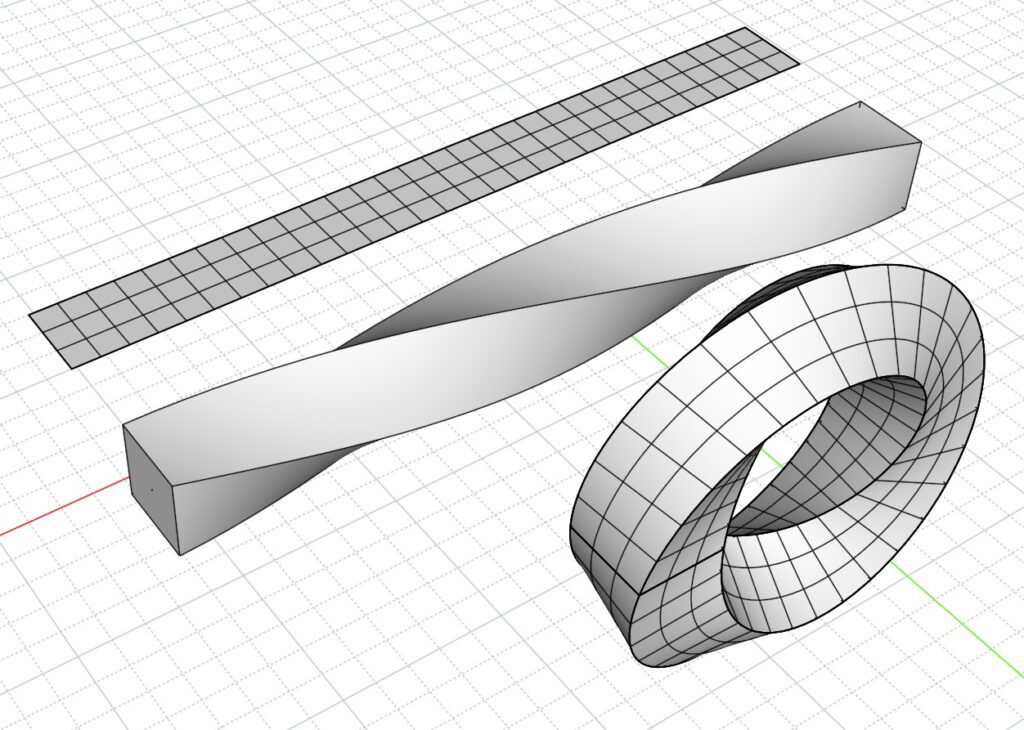
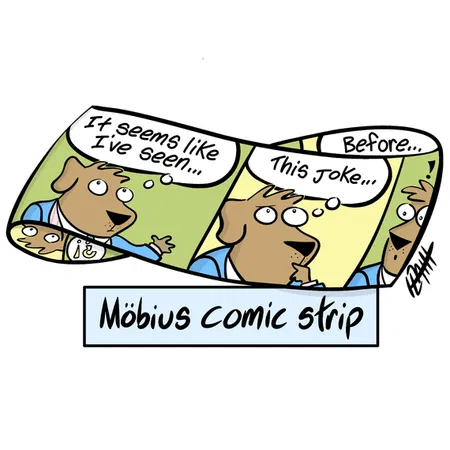
How to Render a Möbius Strip

Test created using Inkscape
Transitioning Away from Adobe Creative Suite – Tips, Tricks & Tuts
🎨 INKSCAPE
Best For: Vector graphics (like Illustrator)
🔧 Beginner Tips:
- Learn the difference between “Objects” and “Paths.” It’s essential for editing.
- Use Ctrl+Shift+G to ungroup elements and Ctrl+Shift+C to convert an object to a path.
- Layers panel (Shift+Ctrl+L) is your friend when working with complex designs.
📘 Tutorials:
- Official Inkscape Tutorials: https://inkscape.org/learn/tutorials/
- Logos By Nick YouTube Channel (clear, friendly, Illustrator-to-Inkscape approach): https://www.youtube.com/c/LogosByNick
- Inkscape Community Wiki (Tips & Tricks): https://wiki.inkscape.org/wiki/index.php/Tips_and_Tricks
🖼️ GIMP 2.0
Best For: Photo editing, raster design (like Photoshop)
🔧 Beginner Tips:
- Use Layer Masks instead of erasing for nondestructive editing.
- Keyboard shortcuts help a lot — Ctrl+Z (Undo), Ctrl+Shift+N (New Layer), Ctrl+Shift+E (Export).
- The Healing tool (H) and Clone tool (C) work great for retouching.
📘 Tutorials:
- GIMP Official Tutorials: https://www.gimp.org/tutorials/
- Davies Media Design YouTube Channel (great for former Photoshop users): https://www.youtube.com/c/DaviesMediaDesign
- Pixls.us: A great community and blog for GIMP and open-source photography workflows: https://pixls.us/
🔄 For Adobe Users Transitioning:
- Photopea: A free browser-based Photoshop clone (https://www.photopea.com) — very useful for PSD files and quick edits.
- Krita: An underrated tool, amazing for digital painting and concept art. Great brush engine.
- Vectornator (Mac/iPad only): A sleek and intuitive vector tool with SVG compatibility.